How to Recycle Electronics Safely and Responsibly (Complete 2026 Guide)
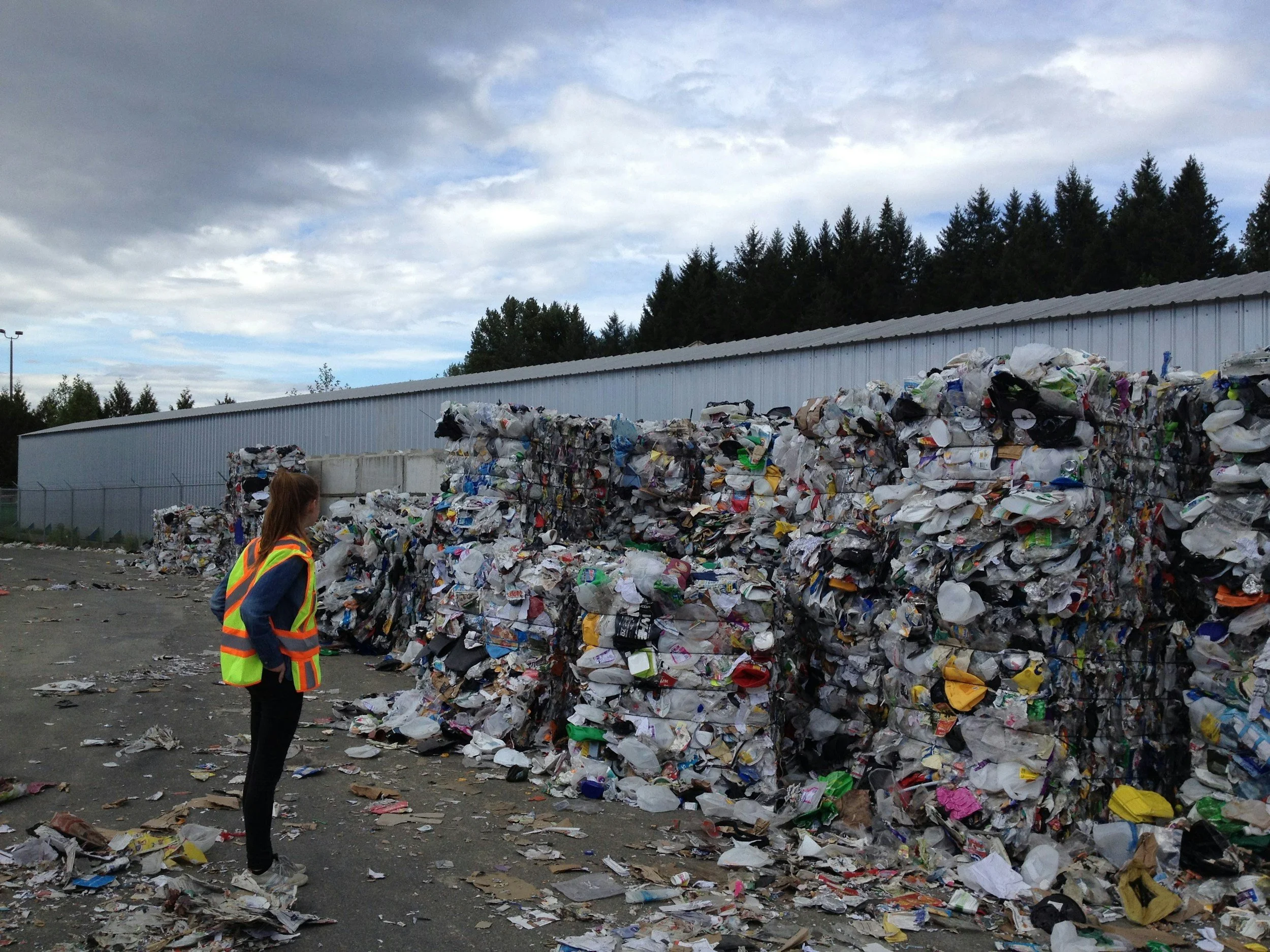
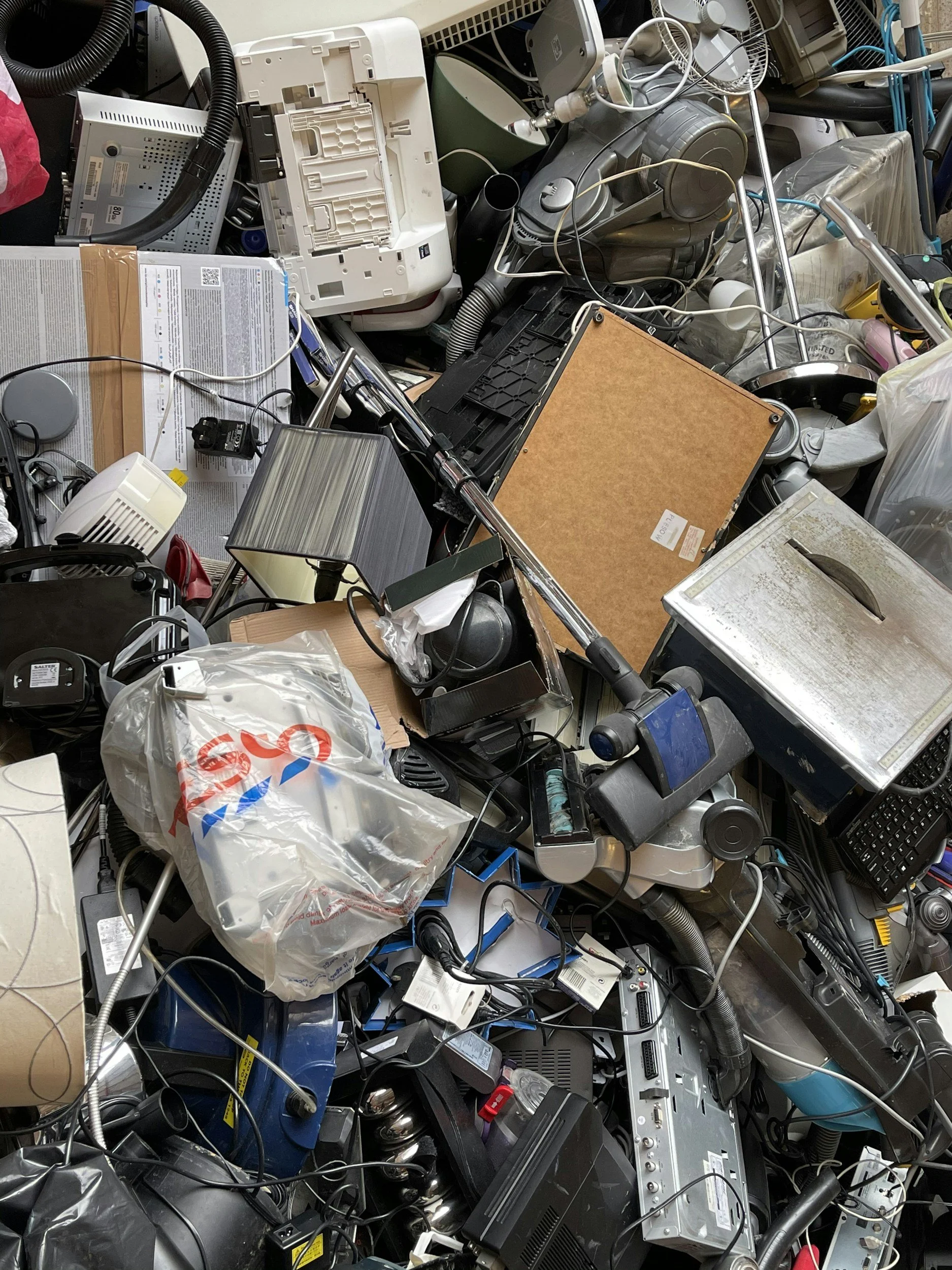
Electronic waste is growing faster than almost any other waste stream in the world. According to the United Nations’ Global E-waste Monitor (2024), the world generated 62 million metric tons of e-waste in 2022, and that number is expected to keep rising. Unfortunately, less than a quarter of it is formally recycled.
If you’ve ever wondered how to recycle electronics properly, you’re not alone. I’ve had old phones, tangled chargers, and outdated laptops sitting in drawers for years before I finally learned the right way to handle them. The good news? Recycling electronics is easier than most people think — once you know the steps.
In this guide, I’ll walk you through exactly how to recycle electronics safely, where to take them, how to protect your data, and how your effort helps the planet.
What Is Electronic Waste (E-Waste)?
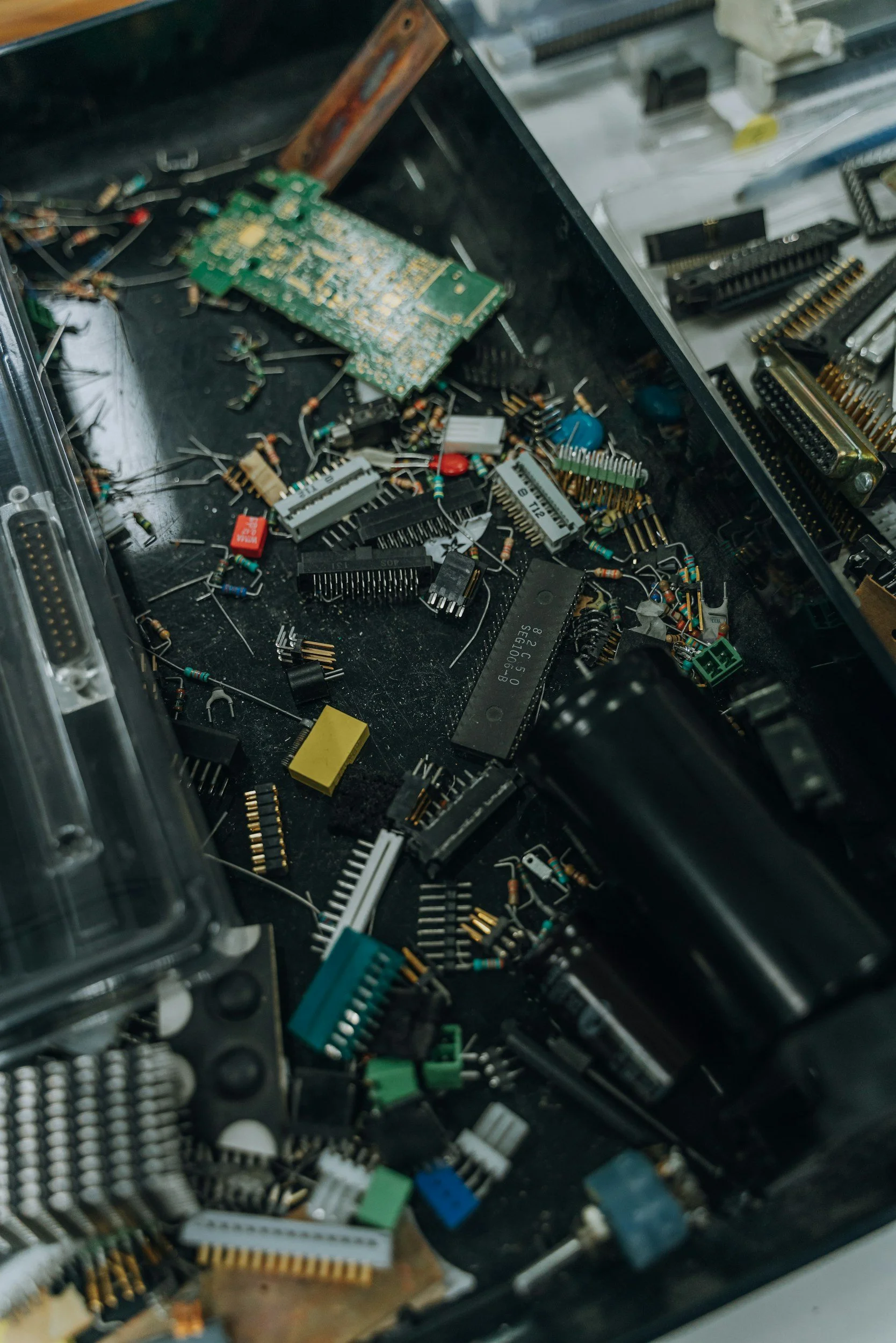
Electronic waste — often called e-waste — refers to discarded devices that run on electricity or batteries. When these items are thrown in the trash, they often end up in landfills, where they can leak harmful substances.
Common Electronics You Can Recycle
You can recycle more than you might expect:
Smartphones and cell phones
Laptops and desktop computers
Tablets and e-readers
TVs and monitors
Printers and scanners
Gaming consoles
Keyboards, mice, and cables
Batteries and chargers
If it plugs in or runs on a battery, there’s a good chance it qualifies for electronic recycling.
Why Electronics Shouldn’t Go in the Trash
Electronics contain hazardous materials such as lead, mercury, and cadmium. According to the U.S. Environmental Protection Agency (EPA), improper disposal of electronics can contaminate soil and groundwater.
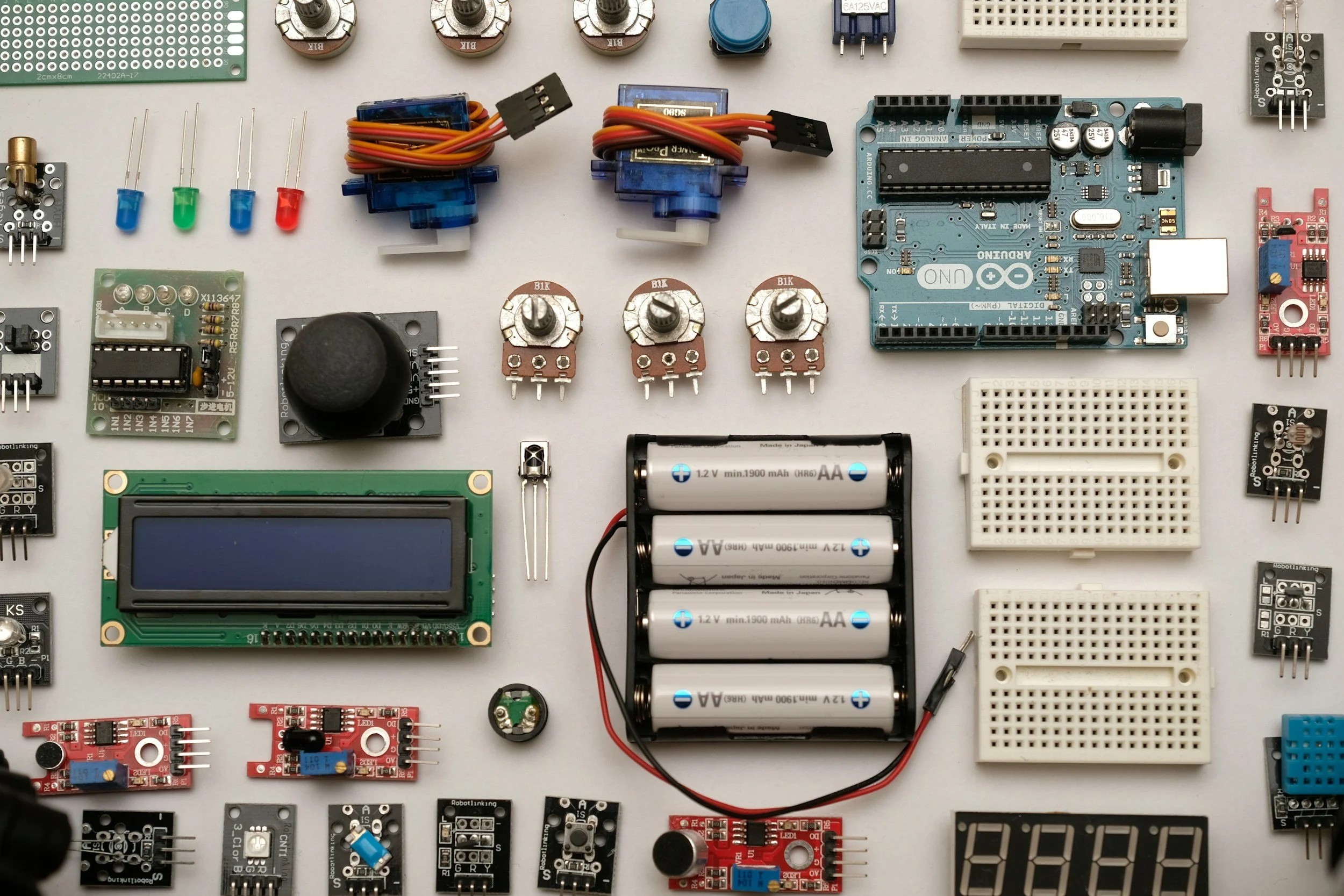
At the same time, devices contain valuable metals like gold, copper, and aluminum. When we recycle old electronics, these materials are recovered and reused, reducing the need for environmentally destructive mining.
How to Recycle Electronics (Step-by-Step)
If you’re ready to take action, here’s the exact process I recommend.
Step 1: Back Up and Wipe Your Data
Before recycling anything with storage:
Back up important files to cloud storage or an external drive
Perform a factory reset
Remove SIM and SD cards
Sign out of accounts (Apple ID, Google, Microsoft, etc.)
For computers, consider removing and physically destroying the hard drive if you’re concerned about sensitive information.
Data protection is the most important step in electronics disposal.
Step 2: See If It Can Be Repaired or Donated
Sometimes recycling isn’t the best first option.
If your device still works:
Donate to schools or nonprofits
Offer it to community organizations
Use manufacturer trade-in programs
Sell it through certified refurbishers
Extending a device’s life is even more environmentally friendly than recycling.
Step 3: Find a Certified E-Waste Recycler
If the device can’t be reused, locate a certified recycler.
Look for recyclers with certifications such as:
R2 (Responsible Recycling)
e-Stewards
These certifications ensure that electronics are processed responsibly and not exported unsafely to developing countries.
To find certified facilities, search “electronic recycling near me” or check your local municipality’s website.
RECYCLE YOUR ELECTRONICS TODAY WITH SUNADA RECYCLING
Step 4: Use Retailer Take-Back Programs
Many national retailers accept electronics for recycling.
Common examples include:
Best Buy (accepts most electronics, often free)
Staples (computers, printers, accessories)
Office Depot
Some manufacturers also offer mail-in recycling programs for phones, tablets, and laptops.
This is one of the easiest and most convenient ways to recycle electronics responsibly.
Step 5: Attend Local E-Waste Collection Events
Many cities host:
Community recycling days
Hazardous waste collection events
Special e-waste drop-off programs
These are ideal for larger items like TVs or outdated desktop computers.
Check your city or county website for event schedules.
Where to Recycle Electronics Near You
If you’re wondering “where to recycle electronics near me,” here are your main options:
1. Local Government Recycling Centers
Most cities operate designated drop-off centers for electronics disposal. In Los Angeles, you can recycle for free with Sunada Recycling, located in Paramount, CA.
2. Retail Electronics Stores
Major retailers often accept devices year-round.
3. Manufacturer Programs
Companies frequently provide prepaid shipping labels for small devices.
4. Mail-In Recycling Services
Useful for small electronics like phones, smartwatches, and tablets.
Always confirm accepted items before making a trip.
What Electronics Can and Cannot Be Recycled?
Usually Accepted
Computers and laptops
Smartphones
Tablets
Flat-screen TVs and CRT monitors
Keyboards and accessories
Cables and chargers
May Require Special Handling
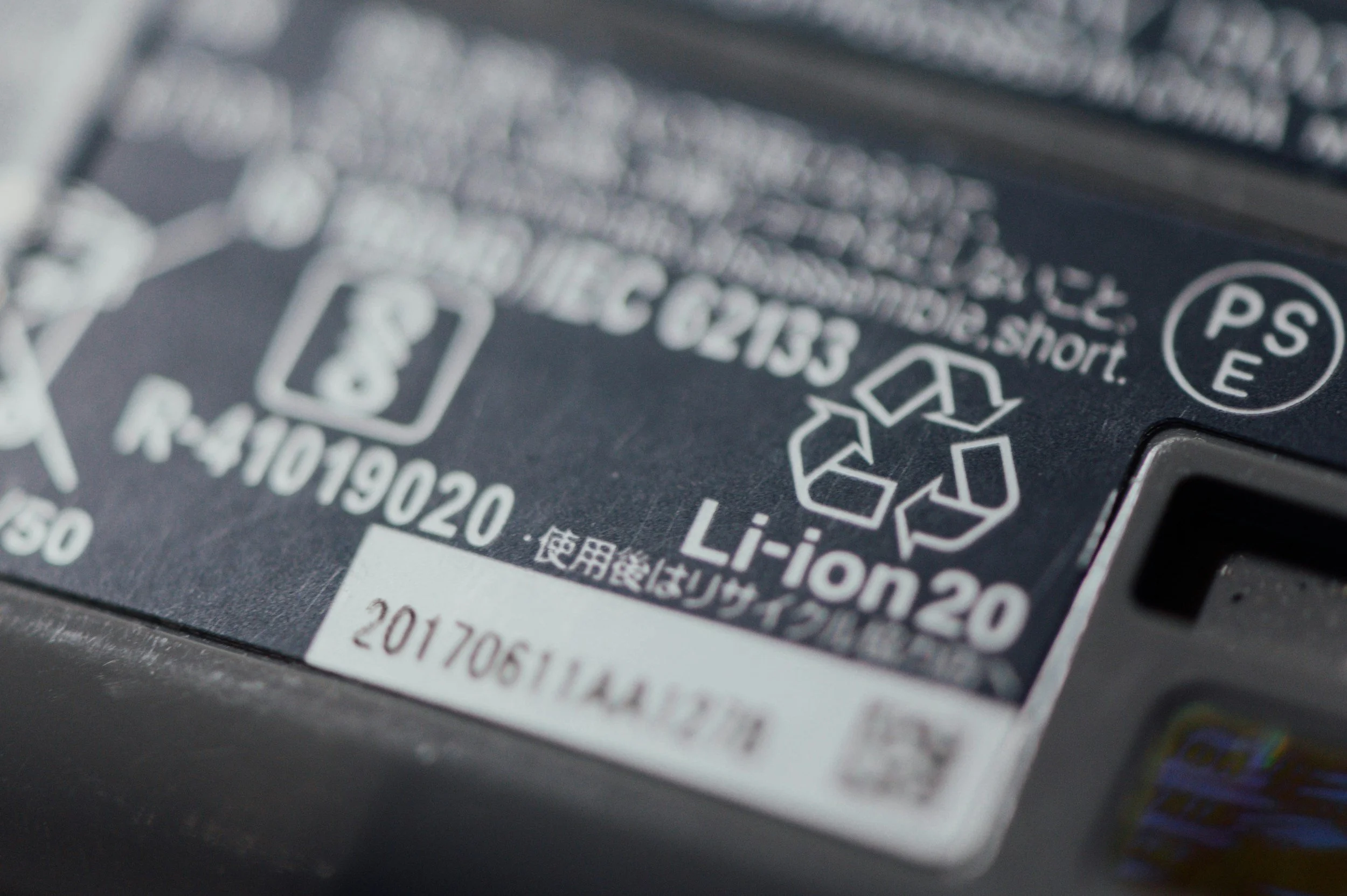
Lithium-ion batteries
Large appliances
Damaged or swollen batteries
Batteries especially should never go in regular trash because they pose fire risks.
How Recycling Electronics Helps the Environment
Recycling electronics isn’t just about clearing out clutter — it has real environmental impact.
1. Reduces Landfill Waste
Electronics are one of the fastest-growing waste streams globally. Proper recycling prevents toxic materials from entering soil and water systems.
2. Conserves Natural Resources
According to the International Telecommunication Union (ITU), billions of dollars’ worth of recoverable materials are lost annually when e-waste isn’t recycled (Global E-waste Monitor, 2024).
Recycling recovers:
Gold
Copper
Silver
Rare earth metals
These materials can be reused in new devices.
3. Saves Energy
Mining and refining new metals requires significant energy. Recycling metals uses substantially less energy than extracting virgin materials, reducing overall carbon emissions.
Common Mistakes to Avoid When Recycling Electronics
Over the years, I’ve seen people make these common errors:
Throwing electronics in curbside recycling bins
Forgetting to wipe personal data
Stockpiling old devices “just in case”
Using uncertified recyclers
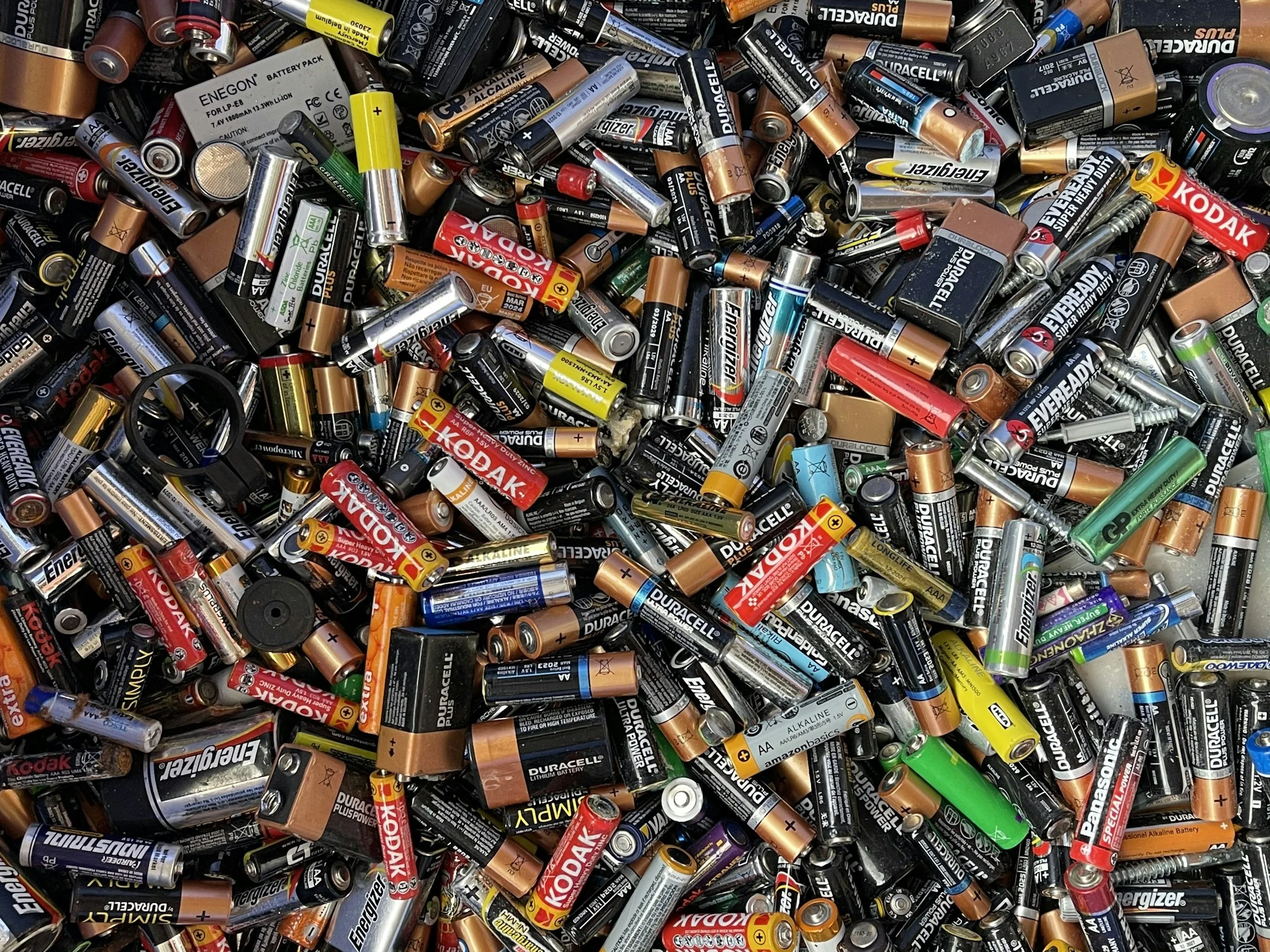
Tossing batteries in regular trash
Avoiding these mistakes ensures your electronics disposal is both safe and effective.
Frequently Asked Questions
Can I recycle electronics in my regular recycling bin?
No. Most curbside recycling programs do not accept electronics. They require specialized processing.
Do I need to remove batteries before recycling?
Often yes, especially lithium-ion batteries. Check with the recycling center for specific guidelines.
Is it safe to recycle broken electronics?
Yes. Broken devices are commonly accepted. Just handle damaged batteries carefully.
Do electronics recycling programs charge a fee?
Some items, like large TVs or CRT monitors, may require a small fee. Many smaller items are accepted for free.
Can I get paid to recycle electronics?
Sometimes. Trade-in programs or certified refurbishers may offer cash or store credit for working devices.
Final Thoughts: Start Recycling Electronics Today
If you’ve been holding onto old gadgets, now is the perfect time to act.
Recycling electronics is one of the simplest ways to reduce waste, conserve resources, and protect the environment. With global e-waste reaching record levels, individual action truly matters.
I always tell people this: that old phone sitting in your drawer isn’t just clutter — it’s valuable material waiting to be reused.
Take 10 minutes today to gather unused electronics and find a certified recycling option near you. It’s a small step that makes a measurable difference.