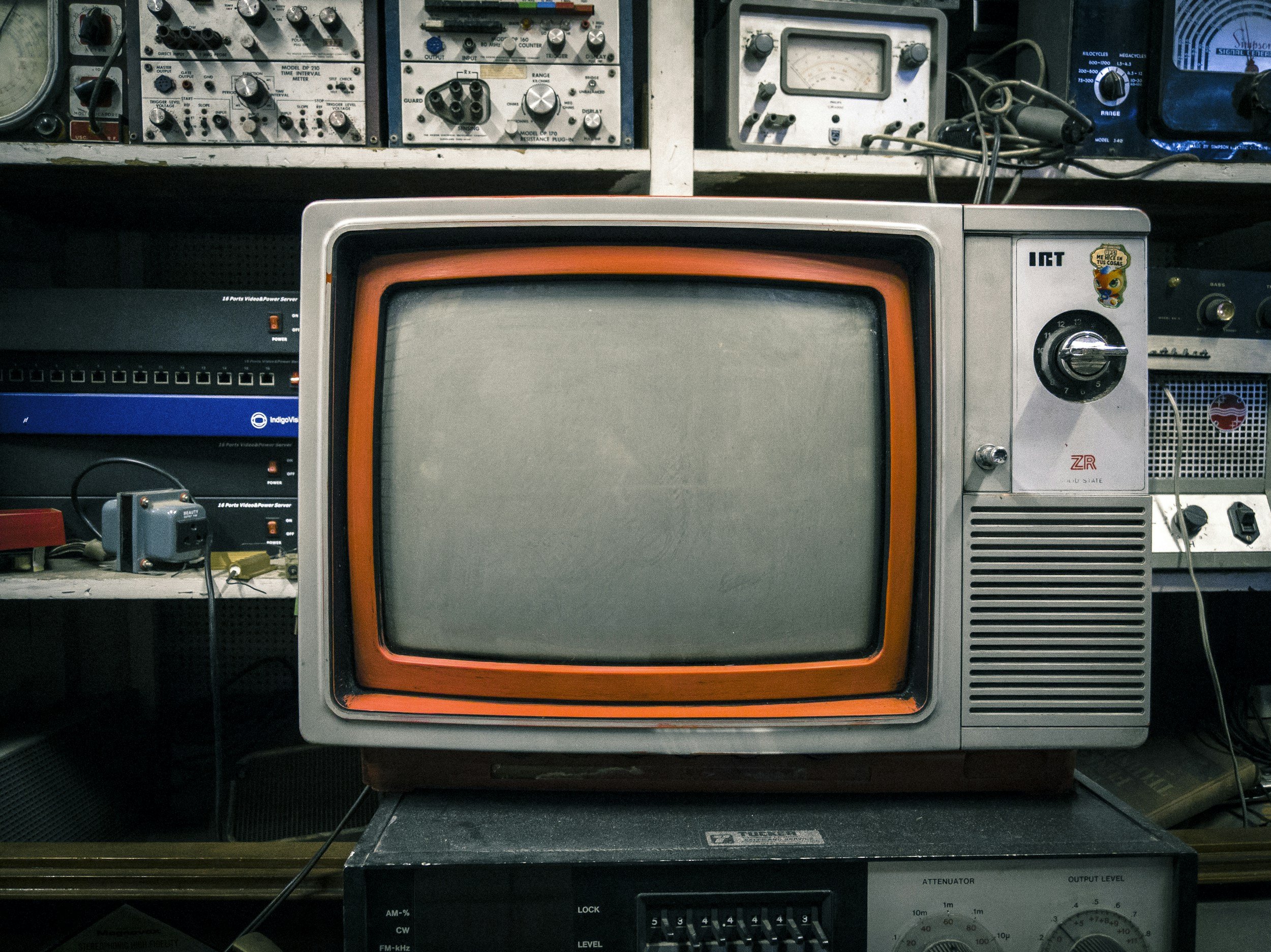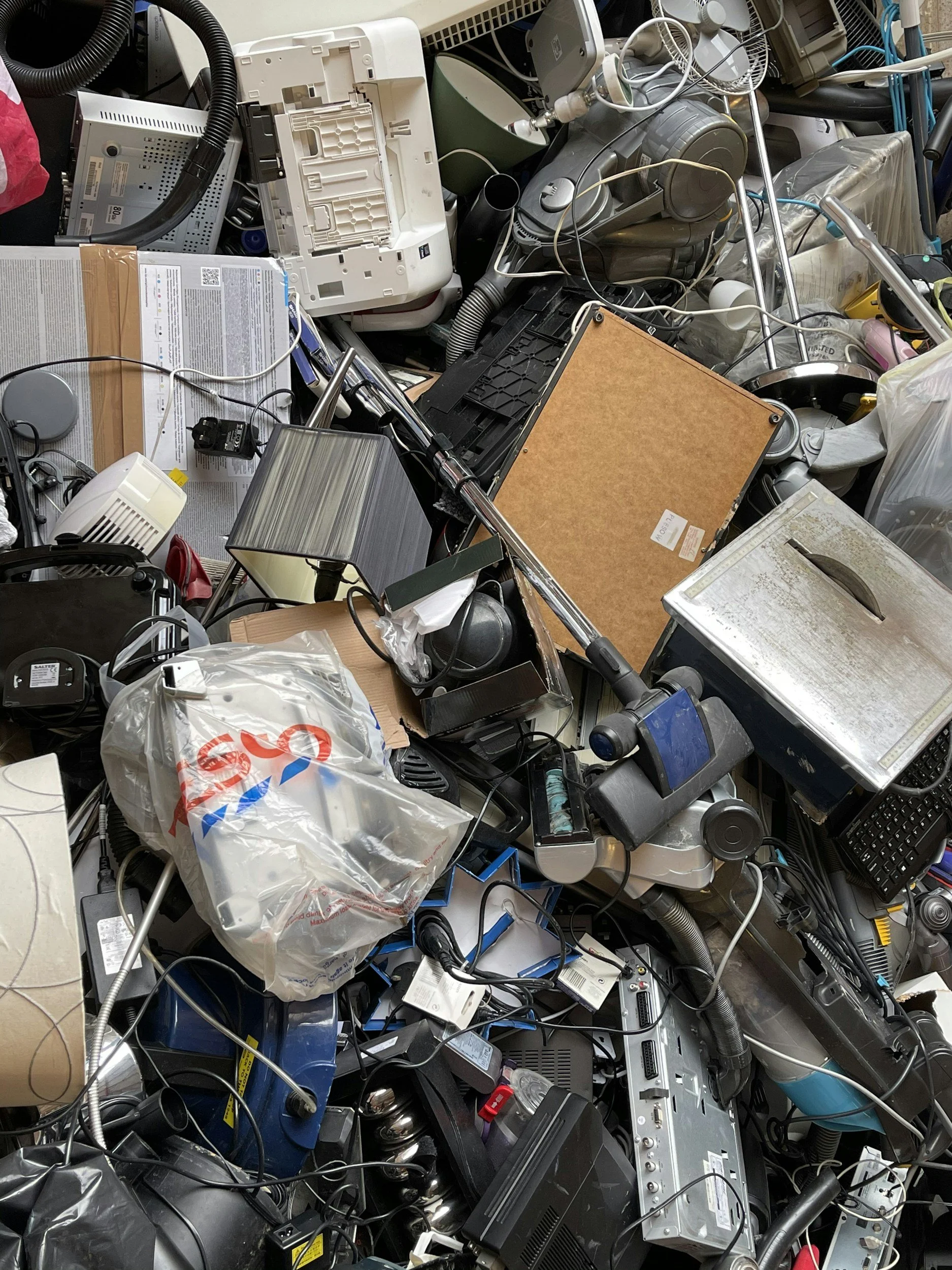
The best ways to recycle electronics are through certified drop-off facilities, business pickup programs, mail-in services, and manufacturer trade-in programs, always after wiping personal data. In Los Angeles County, Sunada Recycling offers all of these options in one place, with free drop-off, pickup for qualifying businesses, and certified data destruction for anything that stores information.
Old electronics pile up faster than most people realize. A drawer of dead phones, a closet of retired laptops, a garage box of cables nobody can identify. The question isn't whether to recycle them, it's which method actually works best for what you have. Here's a clear breakdown.
Key Takeaways
Certified drop-off is the fastest, usually free option for individuals with a small load.
Business pickup programs save time for offices clearing out multiple devices or IT assets at once.
Mail-in recycling works well for smaller items when a facility isn't nearby.
Data-bearing devices need certified destruction, not just a factory reset, before recycling.
Sunada Recycling combines all four methods under one certified process across Los Angeles County.
Table of Contents
Why Electronics Recycling Matters
What Are the Best Ways to Recycle Electronics?
How Do You Know Which Method Is Right for You?
What Happens to Electronics During the Recycling Process?
Why Sunada Recycling Is the Trusted Choice in LA County
FAQ
Why Electronics Recycling Matters

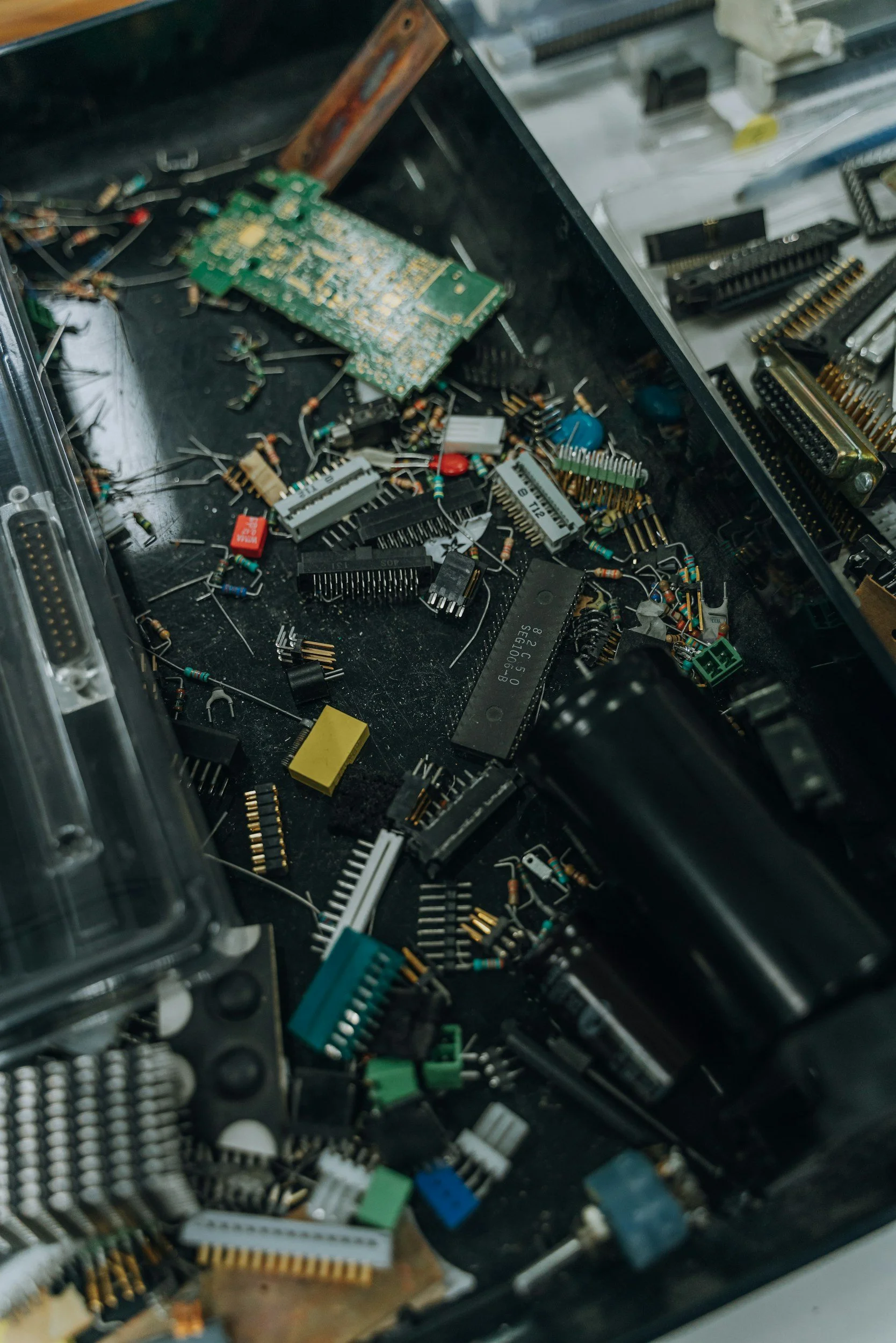
Electronics contain a mix of valuable and hazardous materials in the same device. Circuit boards hold recoverable gold and copper. Batteries and screens hold lead, mercury, and cadmium. Throwing a phone or monitor in the regular trash sends both straight to a landfill, wasting the reusable material and risking the release of toxic substances into soil and water.
California law treats most electronics as universal waste, which means they're not allowed in household or commercial trash at all. That's not just a rule for large businesses. It applies to a single old laptop sitting in your garage.
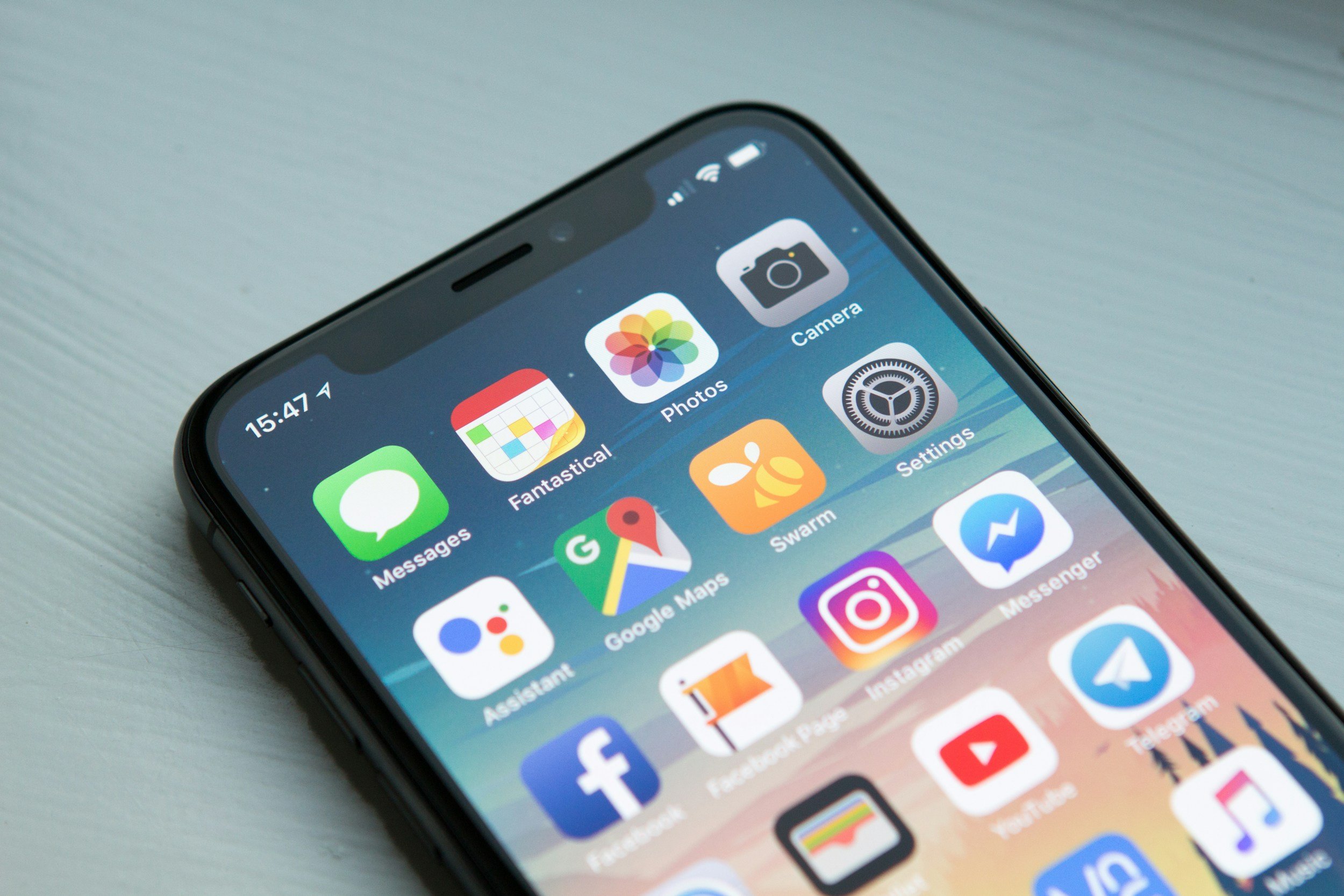
There's also a data angle that's easy to overlook. Phones, laptops, tablets, and even some printers and smart devices store personal information. Recycling the right way means that information gets destroyed, not just deleted.
On top of the legal and data concerns, there's a resource argument that often gets lost in the conversation. Mining new metals for electronics manufacturing is expensive, energy-intensive, and environmentally disruptive. Recovering gold, copper, and aluminum from devices already sitting in a drawer is far more efficient than pulling those same materials out of the ground. Every phone, laptop, or monitor that gets properly recycled reduces the demand for new raw material extraction, even if that connection isn't obvious at the moment you're clearing out a closet.
What Are the Best Ways to Recycle Electronics?
There isn't one single "best" method for everyone. The right choice depends on how much you have, what kind of devices they are, and whether data security is a factor. Here are the main paths.
1. Certified Drop-Off Facilities
Drop-off is the simplest option for individuals and small households. You bring your devices directly to a certified recycling center, and they handle sorting, dismantling, and material recovery from there.
Sunada Recycling offers free e-waste drop-off at its Paramount facility, along with a contactless option for anyone who prefers minimal contact.
2. Pickup Services for Bulk or Business Loads
If you're clearing out an office, a warehouse, or a large volume of household electronics, pickup is usually the more practical route. A recycler sends a team to collect everything on-site, which saves the hassle of loading and hauling items yourself.
Many recyclers, including Sunada, provide free pickup for qualifying businesses with larger quantities of IT equipment, servers, or office electronics.
3. Mail-In Recycling
Mail-in programs work well for smaller, lighter devices like phones, tablets, or individual hard drives, especially if you're not near a physical facility. You pack the item, ship it to the recycler, and receive confirmation once it's processed.
4. Manufacturer and Retailer Trade-In Programs
Some manufacturers and electronics retailers offer trade-in credit for devices that still have resale value. This isn't technically recycling in the strict sense, but it's worth considering first for anything still functional, since reuse is generally more resource-efficient than recycling.
5. Secure Data Destruction for Data-Bearing Devices
This isn't a stand-alone disposal method, but it belongs on this list because it should happen before any of the four options above, for any device that stored personal or business data. Sunada Recycling's hard drive and data destruction service covers computers, laptops, servers, and other storage devices, following NIST and DoD-aligned standards.
How Do You Know Which Method Is Right for You?
A quick way to decide:
A handful of items, no data concerns: Drop-off at a certified facility.
A large batch of business IT equipment: Pickup service, ideally free for qualifying volumes.
A few small devices and no facility nearby: Mail-in recycling.
A working device with resale value: Trade-in first, recycle if it's rejected.
Anything that stored passwords, files, or financial data: Certified data destruction, regardless of which disposal method you use.
Businesses in particular should think beyond a single device. IT asset disposition (ITAD) programs bundle recycling, data destruction, and compliance reporting into one process, which matters for HIPAA, FACTA, or internal data-retention policies.
For example, a small business retiring ten old laptops and a decommissioned server doesn't need to sort through drop-off versus mail-in versus trade-in for each item separately. A single pickup that includes on-site or facility-based data destruction covers the entire batch in one visit, with one set of documentation at the end. That's usually the more efficient path once you're dealing with more than a handful of devices.
What Happens to Electronics During the Recycling Process?
Once your electronics reach a certified recycler, the process generally follows these stages:
Intake and sorting by device type and condition.
Data destruction for any storage-bearing devices, either wiped or physically shredded.
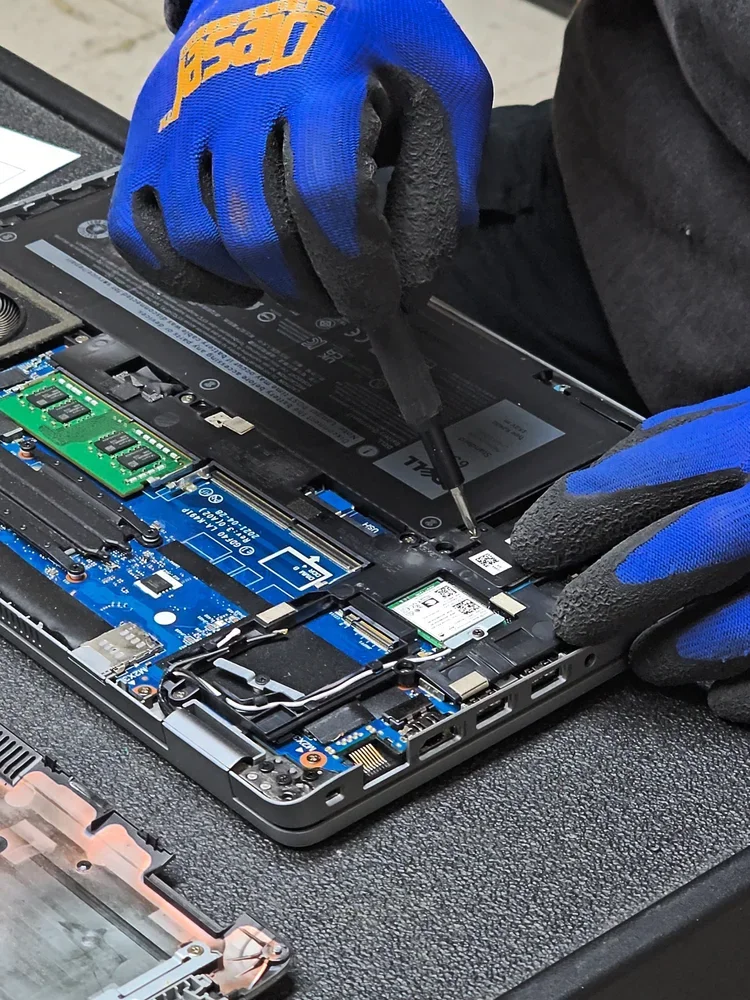
Disassembly, separating batteries, circuit boards, plastics, and metals.
Material recovery, sending components to specialized processors that reclaim gold, copper, aluminum, and rare-earth materials.
Documentation, including a Certificate of Destruction for data-bearing devices and compliance reporting for businesses.
This is the part that gets skipped when electronics go straight to the trash. Nothing gets recovered, and nothing gets verified as destroyed.
Why Sunada Recycling Is the Trusted Choice in LA County
Not every recycler offers the full range of options above under one roof. Sunada Recycling does, which is part of why it's become a go-to option across Los Angeles County:
45+ years of combined experience from its group companies in electronics recycling and data destruction.
State-approved collector status based in Paramount, serving Los Angeles County and Orange County.
Free drop-off with hours and directions listed on the electronics recycling page.
Free pickup for qualifying businesses, reducing the burden of coordinating bulk disposal.
Certified data destruction, with documented Certificates of Destruction for compliance.
Local coverage across the South Bay and beyond, with dedicated pages for Torrance, Santa Monica, Compton, Lakewood, Manhattan Beach, Gardena, and Orange County.
For businesses managing larger IT asset disposition needs, Sunada's electronics recycling services cover servers, routers, monitors, and phones alongside computers and laptops, so everything is handled through one vendor instead of several.
Not sure which method fits your situation, or you have a mixed load of old electronics sitting around? Contact Sunada Recycling with a quick list of what you have. It's the fastest way to confirm handling and get a straight answer.
FAQ
What is the best way to recycle electronics for free?
Certified drop-off is usually the most reliable free option for individuals. Facilities like Sunada Recycling accept a wide range of devices at no cost, and some also offer free pickup for businesses with qualifying volumes.
Do I need to wipe my data before recycling electronics?
Yes, for any device that stored personal information, passwords, or files. A factory reset alone isn't always sufficient. Certified recyclers can wipe or physically destroy hard drives and provide documentation confirming the data is unrecoverable.
Can broken or non-working electronics still be recycled?
Yes. A broken device still contains recoverable materials, and if it has a storage drive, it still needs proper data destruction. Non-working electronics should go through the same certified recycling process as functioning ones, never the regular trash.
Ready to responsibly recycle your old electronics? Sunada Recycling offers free drop-off, pickup for qualifying businesses, and certified data destruction throughout Los Angeles County.
Read more