To recycle a laptop, first back up your files and wipe or destroy the hard drive, then remove the battery if possible, and take the device to a certified electronics recycler rather than the trash. In Los Angeles County, Sunada Recycling accepts laptops for free drop-off, offers pickup for larger loads, and provides certified data destruction so your information never leaves the building intact.
Laptops don't belong in your regular trash can, and most people know that. What they don't always know is why, or what a safe, legal, data-secure recycling process actually looks like. This guide walks through both.
Key Takeaways
Laptops contain lead, mercury, lithium, and other materials that are illegal to landfill in California.
Wiping or destroying the hard drive is the single most important step before you let go of any laptop.
Certified recyclers like Sunada Recycling offer free drop-off, paid pickup, and secure hard drive data destruction in one visit.
Businesses clearing out IT assets should ask about ITAD and electronics recycling services rather than handling bulk disposal themselves.
You'll typically receive a Certificate of Destruction for compliance and peace of mind.
Table of Contents
Why You Can't Just Throw a Laptop in the Trash
How to Recycle Laptops: Step-by-Step
What Happens to a Laptop After You Recycle It?
Why Choose Sunada Recycling in Los Angeles County
Electronics Recycling Beyond Laptops
FAQ
Why You Can't Just Throw a Laptop in the Trash
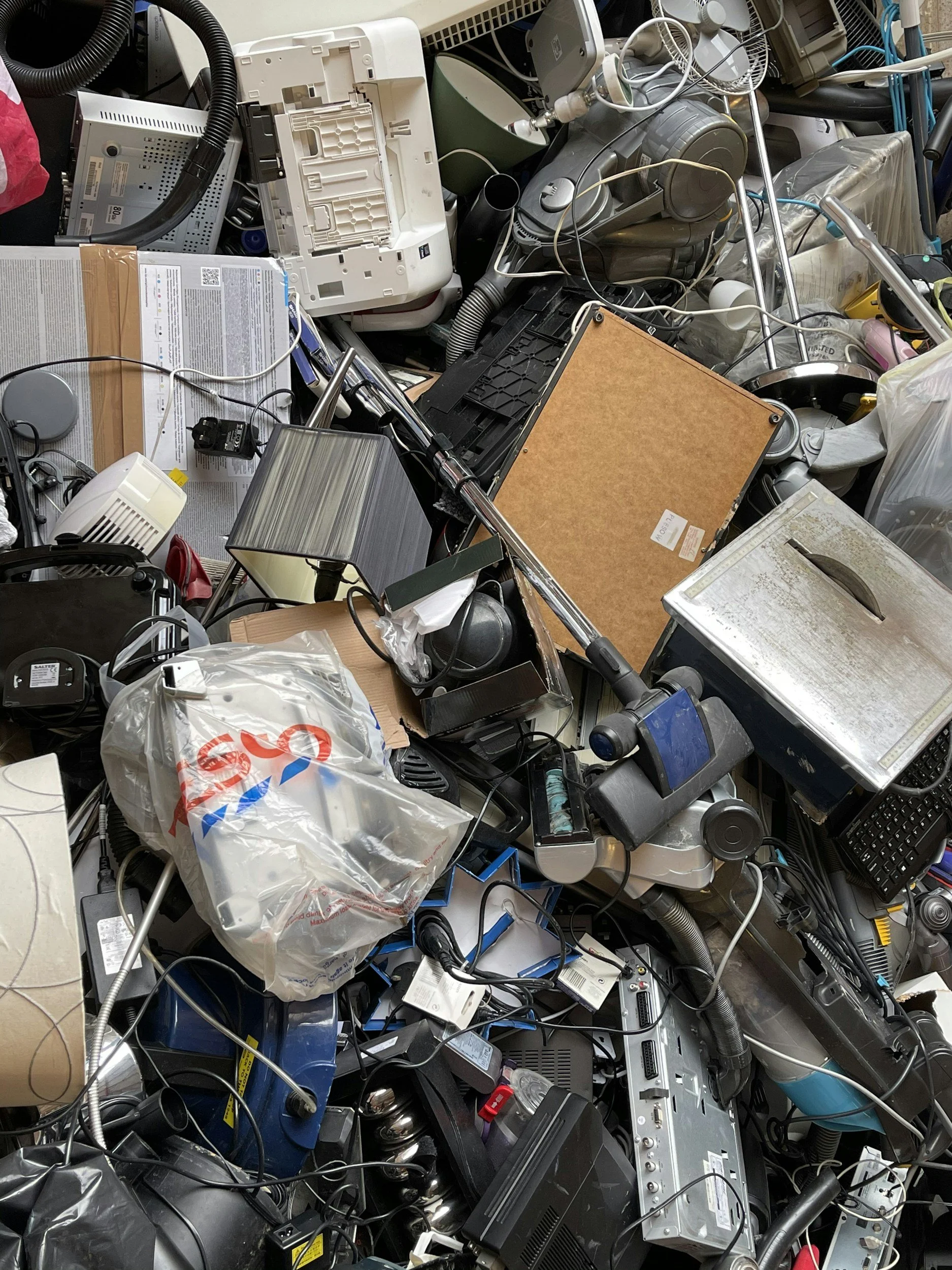
California classifies laptops as universal waste. That's not a technicality, it's the law. Laptop batteries, circuit boards, and screens contain lead, mercury, cadmium, and lithium. When these materials end up in a landfill, they can leach into soil and groundwater over time.
Beyond the legal risk, there's a practical one: your data. A laptop that's tossed out with the trash, or sold for parts without proper wiping, can leave financial records, passwords, and personal photos exposed to anyone who finds it.
That's the real reason "how to recycle laptops" is a more layered question than "how to recycle a soda can." You're not just disposing of hardware. You're disposing of a device that stored a piece of your life.
How to Recycle Laptops: Step-by-Step
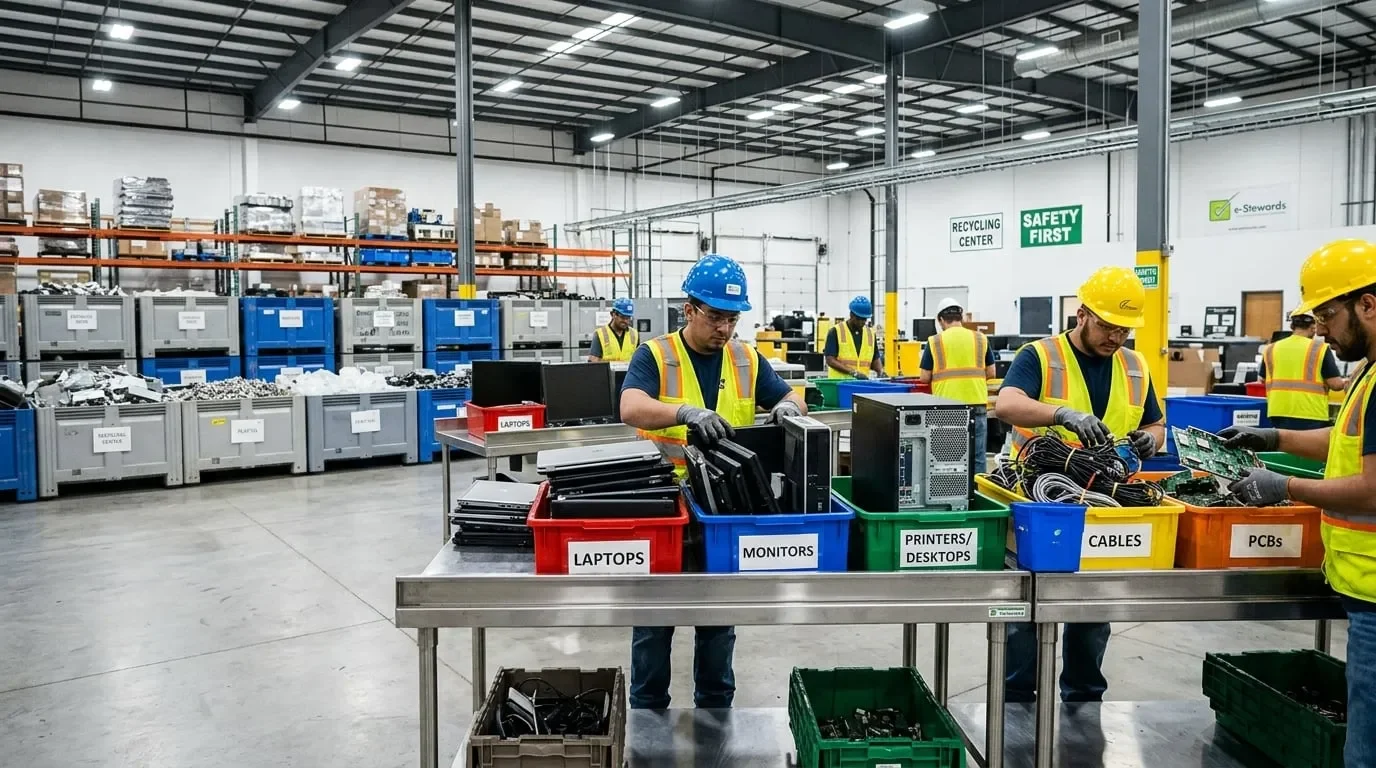
Here's the process, broken into manageable steps.
1. Back Up What You Need
Before anything else, transfer photos, documents, and files to a cloud service or external drive. Once a hard drive is wiped or shredded, that data is gone for good.
2. Sign Out and Deauthorize Accounts
Log out of iCloud, Google, Microsoft, and any software licenses tied to the device. This prevents "lost device" issues later and frees up license seats if you're managing several machines.
3. Wipe or Destroy the Hard Drive
This is the step people skip, and shouldn't. There are two real options:
Software wiping: Overwrites the drive using a data-sanitization standard, appropriate when the machine will be resold or reused.
Physical destruction: The drive is shredded or degaussed so recovery is impossible, best for anyone prioritizing full compliance and zero risk.
A reputable recycler will offer both and issue a Certificate of Destruction as proof. Sunada Recycling's hard drive and data destruction service covers computers, laptops, servers, and other storage devices under NIST and DoD-aligned standards.
4. Remove the Battery (If Possible)
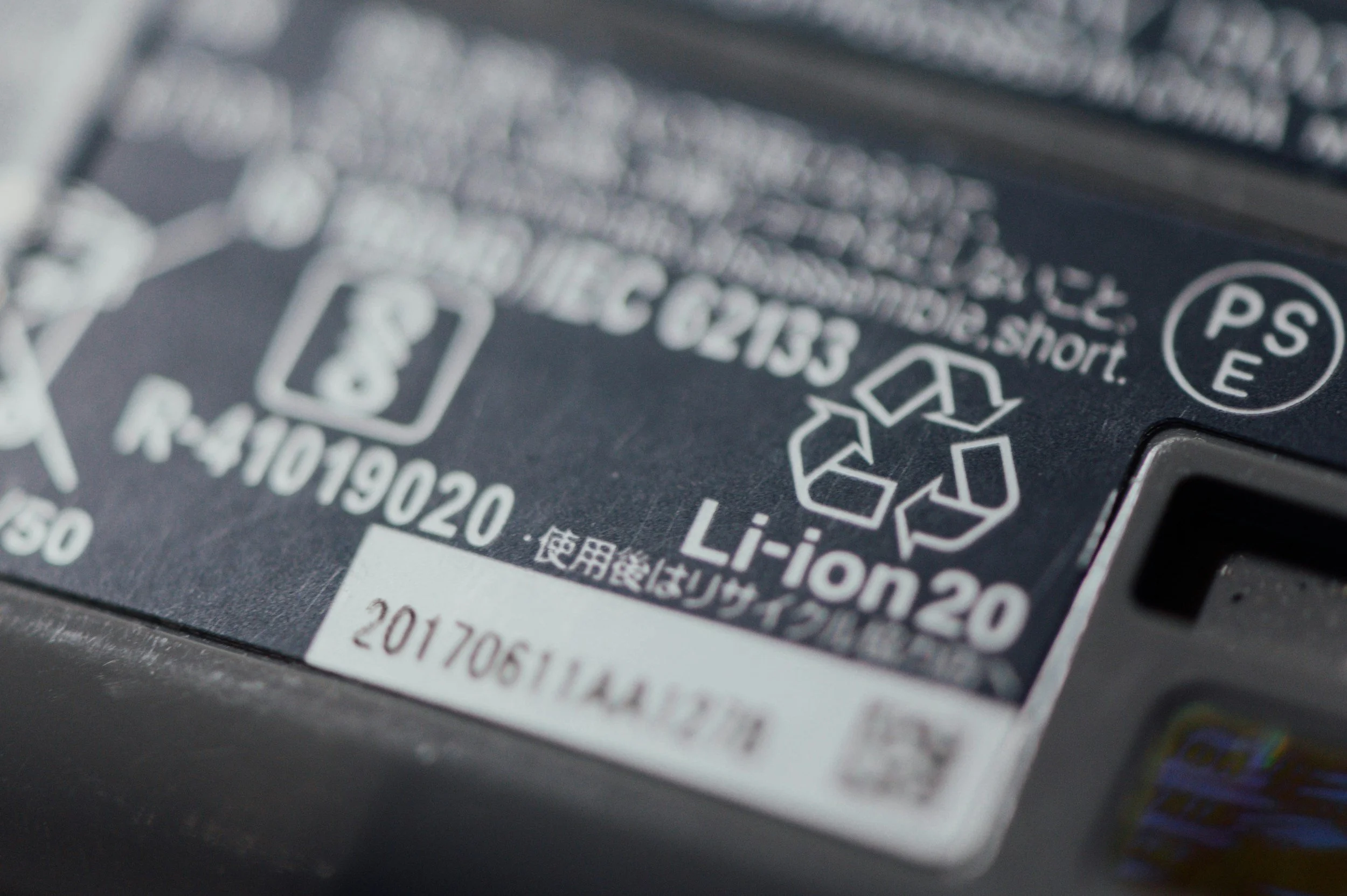
Lithium-ion batteries are a fire risk in transit and in general waste streams. If your laptop's battery is user-removable, take it out and recycle it separately as a battery. If it's built in, tell the recycler; they're equipped to handle it safely.
5. Choose a Certified Recycler
Look for an R2 or e-Stewards certified facility, or a state-approved collector. In Los Angeles County, Sunada Recycling is a California-approved electronic waste collector based in Paramount, serving the entire county.
6. Drop Off, Schedule a Pickup, or Mail It In
Most certified recyclers give you a few options:
Free drop-off at a physical facility.
Pickup service, often free for businesses with larger volumes.
Mail-in recycling for smaller quantities or remote locations.
Sunada Recycling offers all three, along with a contactless drop-off option for anyone who'd rather minimize contact.
What Happens to a Laptop After You Recycle It?
Once your laptop reaches a certified facility, it goes through a few distinct stages:
Sorting and inventory: the device is logged and categorized by type and condition.
Data destruction: hard drives are wiped or physically shredded, and a certificate is generated.
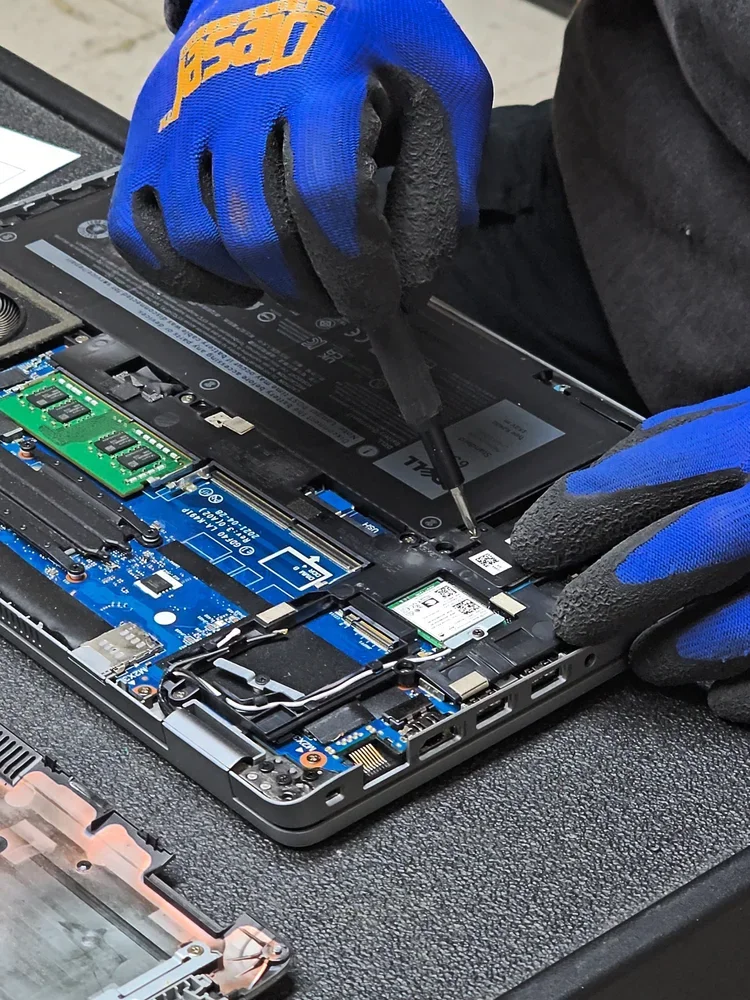
Disassembly: batteries, circuit boards, plastics, and metals are separated.
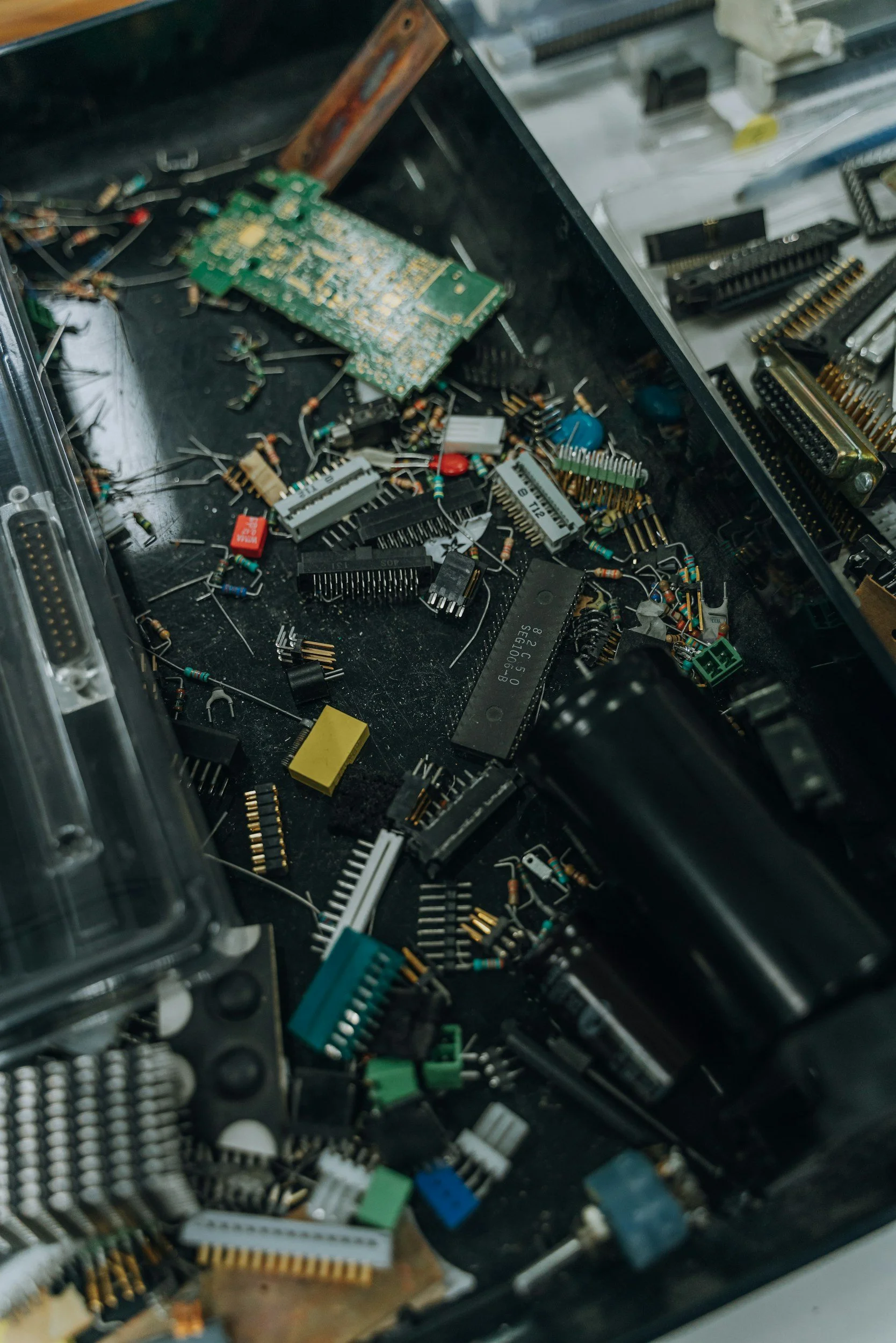
Material recovery: components go to specialized processors that recover gold, copper, aluminum, and rare-earth materials for reuse in new products.
Compliance reporting: for businesses, documentation is issued showing what was destroyed, when, and how, which matters for HIPAA, FACTA, or internal data-retention policies.
None of this happens if a laptop ends up in a landfill. Recycling doesn't just avoid harm; it actively feeds materials back into the manufacturing supply chain.
Why Choose Sunada Recycling in Los Angeles County
There's no shortage of ways to get rid of an old laptop, but not all of them are safe, legal, or actually "green." Sunada Recycling stands out for a few concrete reasons:
45+ years of combined experience from its group companies in electronics recycling and data destruction.
State-approved collector status in Paramount, CA, serving Los Angeles County and Orange County.
Free e-waste drop-off at its Paramount facility, with hours and directions listed on the e-waste drop-off page.
Free pickup for qualifying businesses with larger volumes of electronics.
Certified data destruction for laptops, servers, and hard drives, with documentation for compliance.
Local coverage across the South Bay and beyond, including dedicated service pages for Torrance, Santa Monica, Compton, Lakewood, Manhattan Beach, Gardena, and Orange County.
If you're a business decommissioning a fleet of laptops, Sunada's IT asset disposition and electronics recycling services are built specifically for that scale, covering servers, routers, monitors, and phones alongside laptops, so you're not coordinating multiple vendors for one cleanup.
Not sure whether your load qualifies for free pickup, or you have a mixed batch of old electronics sitting in storage? Contact Sunada Recycling directly. Sending a quick list of what you have is the fastest way to confirm handling and get a straight answer.
Electronics Recycling Beyond Laptops
Laptops are rarely the only devices piling up. If you're already clearing out a closet or an office storage room, it's worth handling everything in one trip. Sunada Recycling accepts:
Desktops, all-in-one PCs, and tablets
Monitors and CRT, LCD, LED, and plasma TVs
Printers, scanners, copiers, and fax machines
Servers, routers, switches, and networking equipment
Cell phones, smartwatches, and e-readers
Solar panels, inverters, and battery systems
Bundling everything into a single pickup or drop-off saves time and cuts down on the number of separate errands you'd otherwise need to make.
FAQ
Is it free to recycle a laptop in Los Angeles?
Yes, in most cases. Laptops can typically be dropped off free of charge at a certified facility such as Sunada Recycling's Paramount location. Pickup services may carry a fee for smaller loads, though larger qualifying quantities often qualify for free pickup.
Do I need to remove my hard drive before recycling my laptop?
Not necessarily, but you should have a data destruction plan before you hand it over. Certified recyclers can wipe or physically shred the drive on-site as part of the recycling process, and you'll typically receive a Certificate of Destruction confirming the data is gone.
Can I recycle a laptop that doesn't turn on?
Yes. A non-functioning laptop still contains recoverable materials like metals and plastics, and it still requires proper data destruction if the drive is intact. A broken laptop should never go in the trash; it should go through the same certified recycling process as a working one.
Ready to clear out old laptops or other electronics? Sunada Recycling offers free drop-off, pickup for qualifying businesses, and certified data destruction throughout Los Angeles County.